
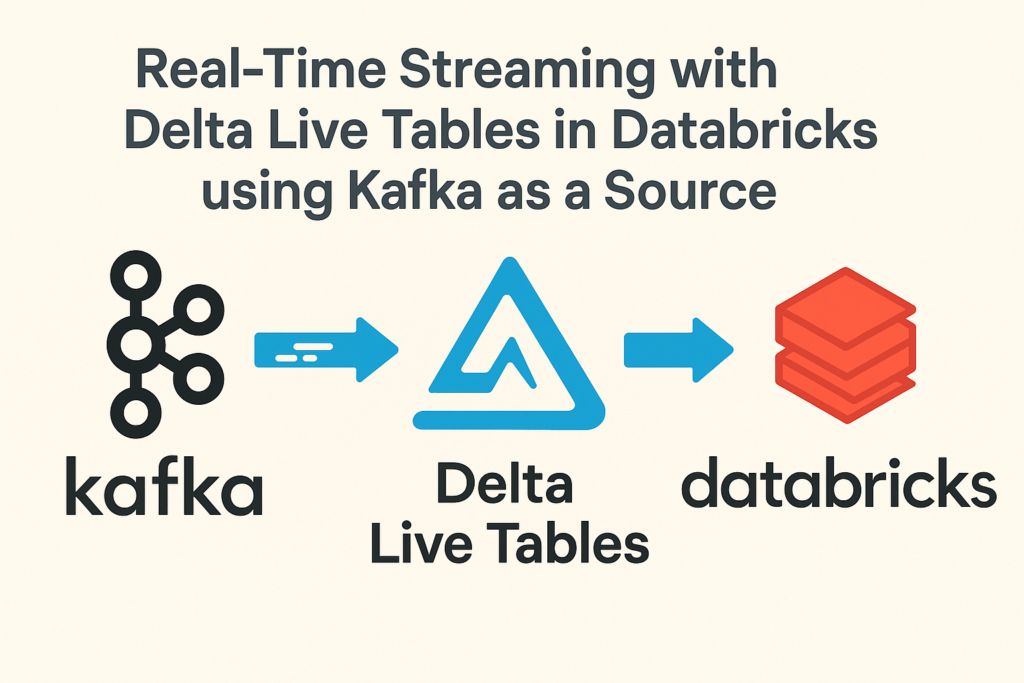
Real-time data streaming is no longer exclusive to financial giants or large tech companies. With open APIs and modern data platforms like Databricks, anyone can build a streaming pipeline in under an hour. Thanks to Vibe coding, I set mine up even faster.
Vibe coding, a cutting-edge approach to software development, leverages large language models (LLMs) to generate code from natural language descriptions, streamlining the process and boosting efficiency.
I demonstrate how I built a real-time cryptocurrency price tracker using:
- CoinGecko REST API for price feed
- Kafka on AWS EC2 (free-tier) for data transport
- Delta Live Tables (DLT) in Databricks for stream ingestion and transformation
Whether you’re a data engineer exploring real-time pipelines or a manager evaluating ELT capabilities, this is a practical example of turning live data into insights.
Step 1: Collecting Prices from CoinGecko Every Minute
The CoinGecko REST API offers simple access to real-time prices for popular cryptocurrencies. I wrote a lightweight Python script to: Fetch BTC and ETH prices in USD every 30 seconds, Format messages as JSON and Send data to Kafka.
# coingecko_kafka_producer.py
import requests
import json
import time
from kafka import KafkaProducer

KAFKA_BROKER = 'localhost:9092'
TOPIC = 'crypto-prices'

producer = KafkaProducer(
    bootstrap_servers=KAFKA_BROKER,
    value_serializer=lambda v: json.dumps(v).encode('utf-8')
)

def fetch_prices():
    url = "https://api.coingecko.com/api/v3/simple/price?ids=bitcoin,ethereum&vs_currencies=usd"
    response = requests.get(url)
    if response.status_code == 200:
        data = response.json()
        payload = {
            "btc_price": data["bitcoin"]["usd"],
            "eth_price": data["ethereum"]["usd"],
            "timestamp": int(time.time())
        }
        print("Sending:", payload)
        producer.send(TOPIC, payload)
    else:
        print("Failed to fetch from CoinGecko:", response.status_code)

if __name__ == "__main__":
    while True:
        fetch_prices()
        time.sleep(30)  # 1/2-minute interval
Step 2: Hosting Kafka on AWS EC2
used a free-tier EC2 instance (Ubuntu) to host Kafka and ZooKeeper.
- Download Kafka 3.7
- Open ports
9092(Kafka) and2181(ZooKeeper) - Configure
advertised listenersto use your EC2 public IP
Start services with:
# ZooKeeper
bin/zookeeper-server-start.sh config/zookeeper.properties &
# Kafka
bin/kafka-server-start.sh config/server.properties &
I automated this with a script: ./start_kafka_stack.sh and ./stop_kafka_stack.sh Zookeeper, Kafka and the python script.
Step 3: Ingesting Kafka Stream Using Delta Live Tables
Delta Live Tables makes streaming ingestion incredibly simple. Here’s a DLT workbook that reads from Kafka and write to a bronze table and further cleanses the data into a silver table:
import dlt
from pyspark.sql.types import StructType, DoubleType, LongType
from pyspark.sql.functions import from_json, col

# Define schema for incoming Kafka JSON
schema = StructType() \
    .add("btc_price", DoubleType()) \
    .add("eth_price", DoubleType()) \
    .add("timestamp", LongType())

# Load from Kafka - utility function
def load_from_kafka():
    return (
        spark.readStream
        .format("kafka")
        .option("kafka.bootstrap.servers", "<your Server IP>")
        .option("subscribe", "crypto-prices")
        .option("startingOffsets", "latest")
        .load()
        .selectExpr("CAST(value AS STRING) as json_string")
        .withColumn("data", from_json("json_string", schema))
        .select("data.*")
    )

# Bronze table from Kafka
@dlt.table(
    name="crypto_prices_bronze",
    comment="Raw streaming crypto prices from Kafka",
    table_properties={"quality": "bronze"}
)
def bronze():
    return load_from_kafka()

# Silver table - cleansed data
@dlt.table(
    name="crypto_prices_silver",
    comment="Cleaned crypto prices with casted types",
    table_properties={"quality": "silver"}
)
@dlt.expect_all({"btc_positive": "btc_price > 0", "eth_positive": "eth_price > 0"})
def clean_data():
    df = dlt.read("crypto_prices_bronze")
    return df
This gives you a fully managed streaming pipeline with monitoring and lineage tracking. Hit play to see the quick demo